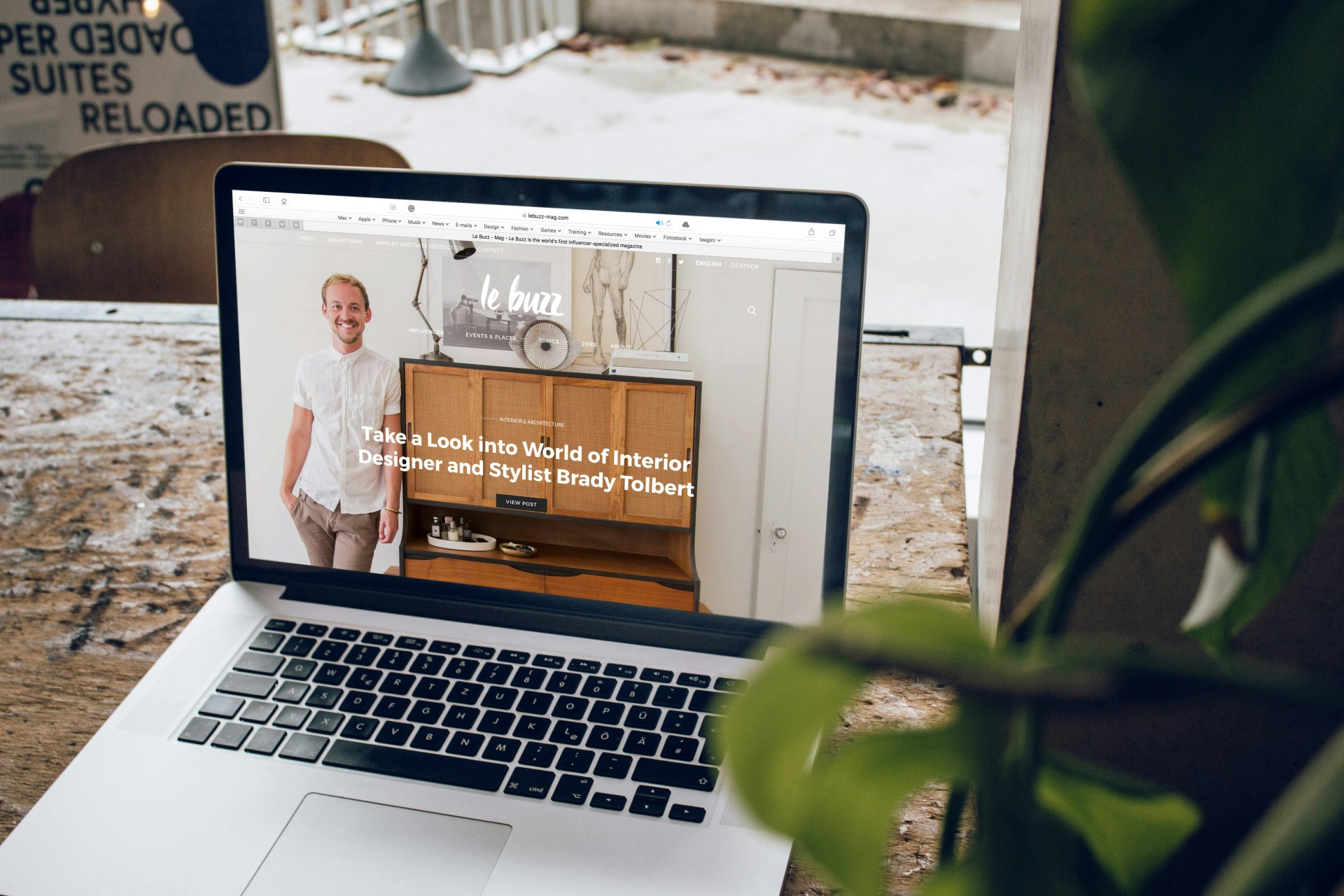
Spring is traditionally a time to clear out what we no longer need, tidy up what has become cluttered, and give everything a fresh start. Your website deserves exactly the same attention.
The good news? Refreshing your website doesn’t necessarily mean redesigning it from scratch.
Websites naturally become outdated over time. A service changes but the website copy doesn’t. A team member leaves but their profile remains. New pages are added, links are moved, and suddenly a button that worked perfectly a year ago leads nowhere. Individually, these may seem like small issues. Together, they can affect how potential customers perceive your business.
This September, we’re spring cleaning our marketing, starting with one of your most important digital assets: your website.
1. Check That Your Copy Is Still Accurate
When was the last time you read every page of your website?
Businesses evolve constantly. You introduce new services, stop offering others, enter different markets, or change the way you work. Your website needs to evolve with you.
Go through your website page by page and look for information that is no longer accurate. Pay particular attention to your About page, service descriptions, contact information, FAQs, pricing information, and references to dates or events.
Then look beyond accuracy. Is the copy still clear? Does it reflect how you currently talk about your business? Have you added paragraph after paragraph over the years until your original message has become buried?
A refresh is an opportunity to simplify.
2. Update Your Team and Company Information
An outdated team page might seem harmless, but it can immediately make a website feel neglected.
Remove people who are no longer with the company, add new team members where relevant, and check that job titles, biographies, and photographs are current.
Do the same with your broader company information. Have you moved offices? Changed telephone numbers? Added a new branch? Earned new accreditations? Expanded your capabilities?
Your website should represent the business your customers would encounter if they contacted you today.
3. Find and Fix Broken Links
Few things say “nobody has checked this website recently” quite like clicking a link and landing on an error page.
Broken links can appear for all sorts of reasons. Pages get deleted, URLs change, external websites move content, and old downloadable documents disappear.
Take some time to click through your website as though you were a customer.
Test your navigation menu, buttons, social media links, downloadable documents, contact details, and links within your copy.
Most importantly, test the journey you actually want visitors to take. If someone wants to enquire, request a quote, make a booking, or learn more about a service, can they get there easily?
4. Strengthen Your Calls to Action
A potential customer has found your website. They’ve read about your business. They’re interested.
Now what?
Every important page should give visitors a clear next step.
Generic CTA buttons such as “Learn More” have their place, but sometimes being more specific makes the journey much clearer. “Request a Quote”, “Speak to Our Team”, “Book a Consultation”, or “View Our Services” tells the visitor exactly what will happen next.
Look at your website from the perspective of someone who knows nothing about your company. Is it obvious what you want them to do?
Don’t make interested customers work to figure out how to become actual customers.
5. Check Your Website’s Speed and Mobile Experience
Your website might look fantastic on your office computer. That doesn’t mean it provides the same experience everywhere else.
Open it on your phone.
Can you read the text comfortably? Are buttons easy to tap? Does the menu work properly? Are forms simple to complete? Do images load quickly, or are visitors left waiting?
A cumbersome mobile experience can create unnecessary friction between interest and enquiry.
Large images, unnecessary plugins, outdated technology, and poorly optimised pages can also affect loading speeds. If your website feels slow to you, it probably feels even slower to a potential customer who has no reason to wait.
Your Website Should Grow With Your Business
Refreshing your website isn’t about chasing every new design trend or rebuilding something that already works.
It’s about making sure one of your most important marketing tools is accurate, useful, easy to navigate, and aligned with the business you are today.
Start small. Update the old copy. Fix the broken link. Improve the confusing button. Check the mobile version.
Then ask yourself one final question:
If I discovered this business for the first time today, would this website make me want to take the next step?
If the answer isn’t an immediate yes, your website might be ready for a spring clean. And we are here to help. Contact us today to upgrade your site today.